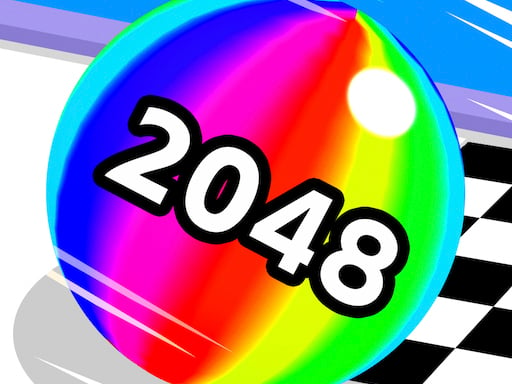
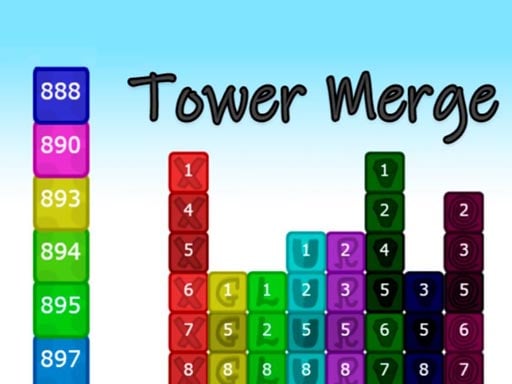
2048 Physics 3D takes the merging rule everyone knows from 2048 and drops the grid entirely. Instead of tiles sliding into rows, numbered blocks fall into a container and settle wherever the physics puts them. Equal values that come to rest touching each other merge and double, which then shifts everything resting on top and often sets off further merges you did not plan. The result behaves quite differently from the original. On a grid you can calculate the outcome of a move exactly; here you are estimating where a block will land and bounce, and a drop that looks safe can wedge a large value under a pile of small ones. Good play is less about arithmetic than about keeping the container tidy - leaving room for the big values and not burying them. Play speed is adjustable, which is worth using: slowing it down turns a reflex game into something you can actually think about between drops.
How to Play 2048 Physics 3D
Aim with the mouse or by dragging on a touchscreen, then release to drop the current block into the container. Blocks of equal value that settle against each other merge into one of double the value. Adjust the play speed from the settings if the default feels too quick. The round ends when the container overflows.
Tips and Tricks
Keep your largest block low and to one side. Once a big value ends up on top of a pile it will not merge with anything, and everything after that has to be built around it.
Drop small values against the walls rather than into the middle. The centre is where you need clear space for the chains that finish a round well.
Slow the play speed down. The default is fast enough that most drops become reactions, and this game rewards a few seconds of aiming far more than quick hands.
A block that lands at an angle will roll. Allow for the bounce when aiming near an existing pile, since the resting position matters more than the landing point.
Frequently Asked Questions
How is this different from ordinary 2048?
There is no grid. Blocks fall and settle under gravity rather than sliding into fixed positions, so merges depend on where things physically come to rest instead of which direction you swiped.
Can I change how fast it plays?
Yes. Play speed is adjustable in the game, and lowering it makes a large difference to how much control you have over each drop.
What ends a round?
The container overflowing. Once blocks stack above the top edge the run finishes, so managing space matters more than chasing any particular value.
Do I need to be quick?
Not if you slow the speed down. At the default setting it plays like an arcade game, but at a lower speed it becomes a planning puzzle.
Does it need downloading?
No. 2048 Physics 3D runs in the browser on GN Math and works with a mouse or by dragging on a touchscreen.
Tags
2048 game, merge puzzle, physics game, number game, 3d puzzle, casual game, single player, browser game, no download, arcade puzzle
 ▶
Play
▶
Play